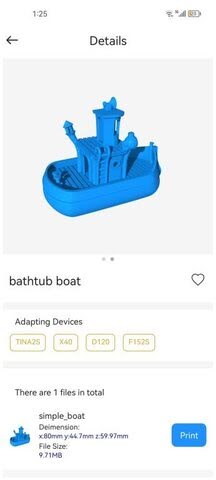
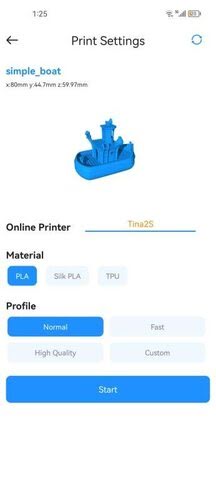
5.PRINT BY APP
-
Download and install the APP : PoloPrint Cloud
-
Register or log in to the APP.
-
Configure WiFi for 3D printer.
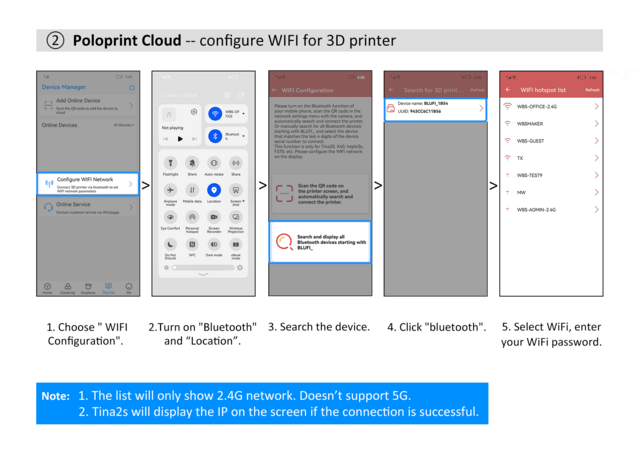
- Get the “ Wifi QR Code ”.
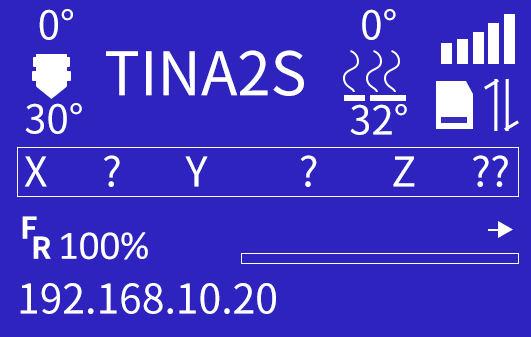
Note: The 3D printer has been connected to the network, and the IP address is displayed.
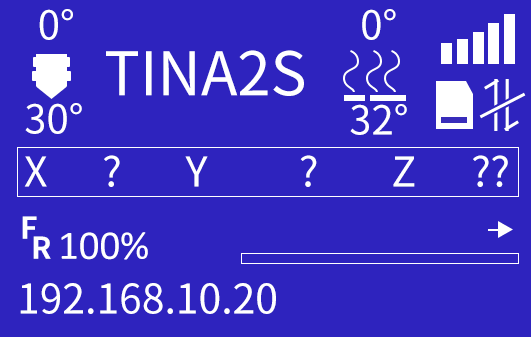
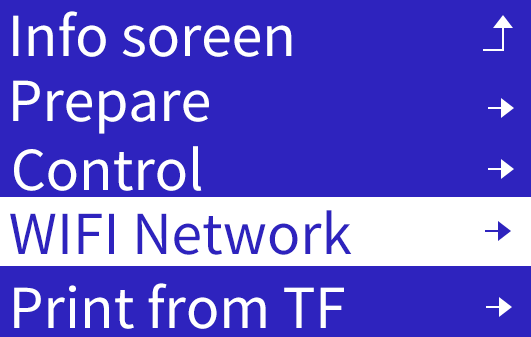
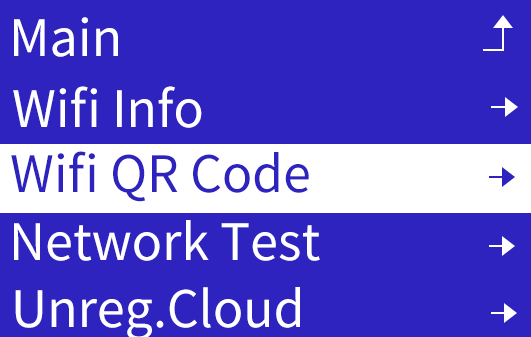

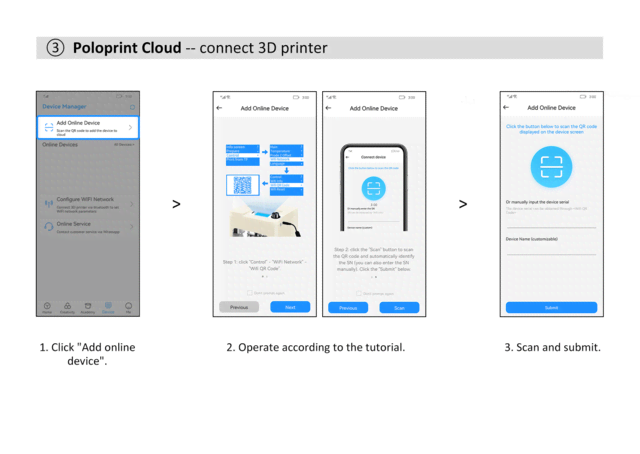
- Click "Add Online Device ”, scan the QR code displayed on the screen, and submit the recognized SSID.
- Select a model and click "Print".